Higgsfield AI: The Arcade of AI Marketing
Be the first to know about every new letter.
No spam, unsubscribe anytime.
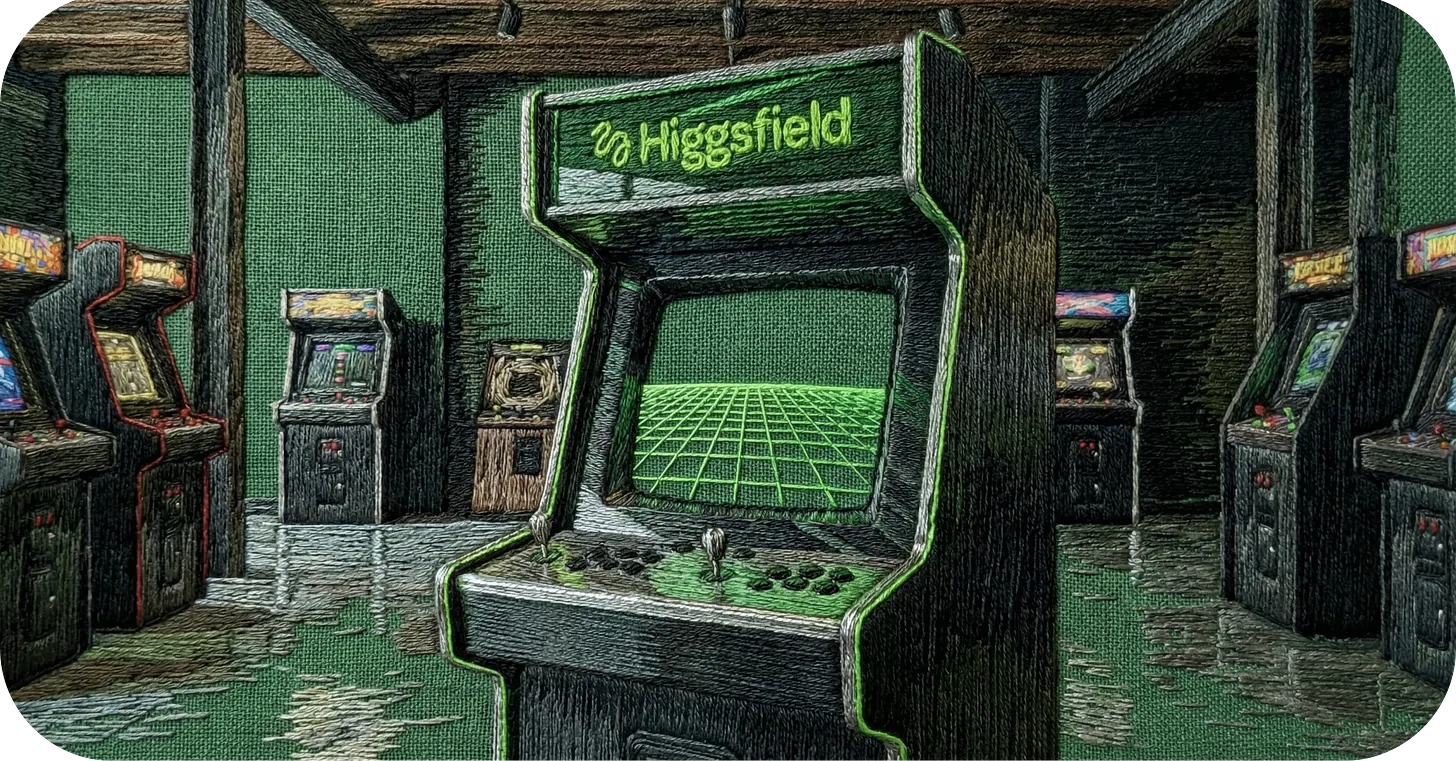
Imagine if AI video wasn’t a dashboard.
Imagine if it was an arcade.
You walk in.
Lights flashing.
Different machines lined up.
Each one does something slightly different.
🎟️ How It Works (The Simple Version)
Higgsfield runs on credits.
Think:
Dave & Buster’s
Chuck E. Cheese
Old-school arcade tokens
You buy credits.
You walk up to a “machine.”
You put your tokens in.
You get a result.
Each generation costs credits.
Better quality? More tokens.
More frames? More tokens.
More complexity? More tokens.
You’re not paying for time.
You’re paying for attempts.
🕹️ The Machines (What You Can Actually Do)
Here’s a clear, beginner-friendly list of the actual AI products and models you’ll find inside the Higgsfield AI arcade, written so it’s easy to understand even if you’re not tech savvy:
Diffuse — Quick text-to-video generator for short clips.
Turn words into short cinematic videos.Cinema Studio — Camera-move creator.
Choose preset camera moves like dolly, pan, or FPV.Higgsfield Apps — One-click effects library.
Instant pro effects you can drop on your videos or images.Visual Effects Pack — Pre-made transitions & effects.
Cool moving transitions without manual editing.Nano Banana Pro — High-quality image generator.
Create premium styled images (great for still branding scenes).Kling O1 — Unified video model (create + edit).
One engine to generate videos and edit them with simple text.WAN 2.5 / WAN 2.6 — Full AI video generator with sound.
Generate videos that include lip-sync and audio.Seedance 2.0 (coming soon) — Multi-input video maker.
Mix images, video, and audio into one cinematic clip.SOUL Inpaint — Pixel-precise editing tool.
Fix or change specific parts of images or videos before animating.Upscale Tool — Boost video resolution.
Make your finished videos look cleaner and sharper.Lipsync Studio — Talking face/video creator.
Generate voice-synced characters and narration.
Let’s break down some examples.
Example #1: TRANSFORMATION
You upload:
A luxury real estate photo.
You prompt:

You press play.
What comes out:
A 5–8 second clip where the camera gently moves forward like it’s on a dolly track.
Now your static listing feels like a $40M property tour.
Example #2: PRODUCT IN SNOW
You upload:
A Topo Chico bottle in snow.
You prompt:

You press play.
What comes out:
Movement. Atmosphere. Texture.
It feels shot, not generated.
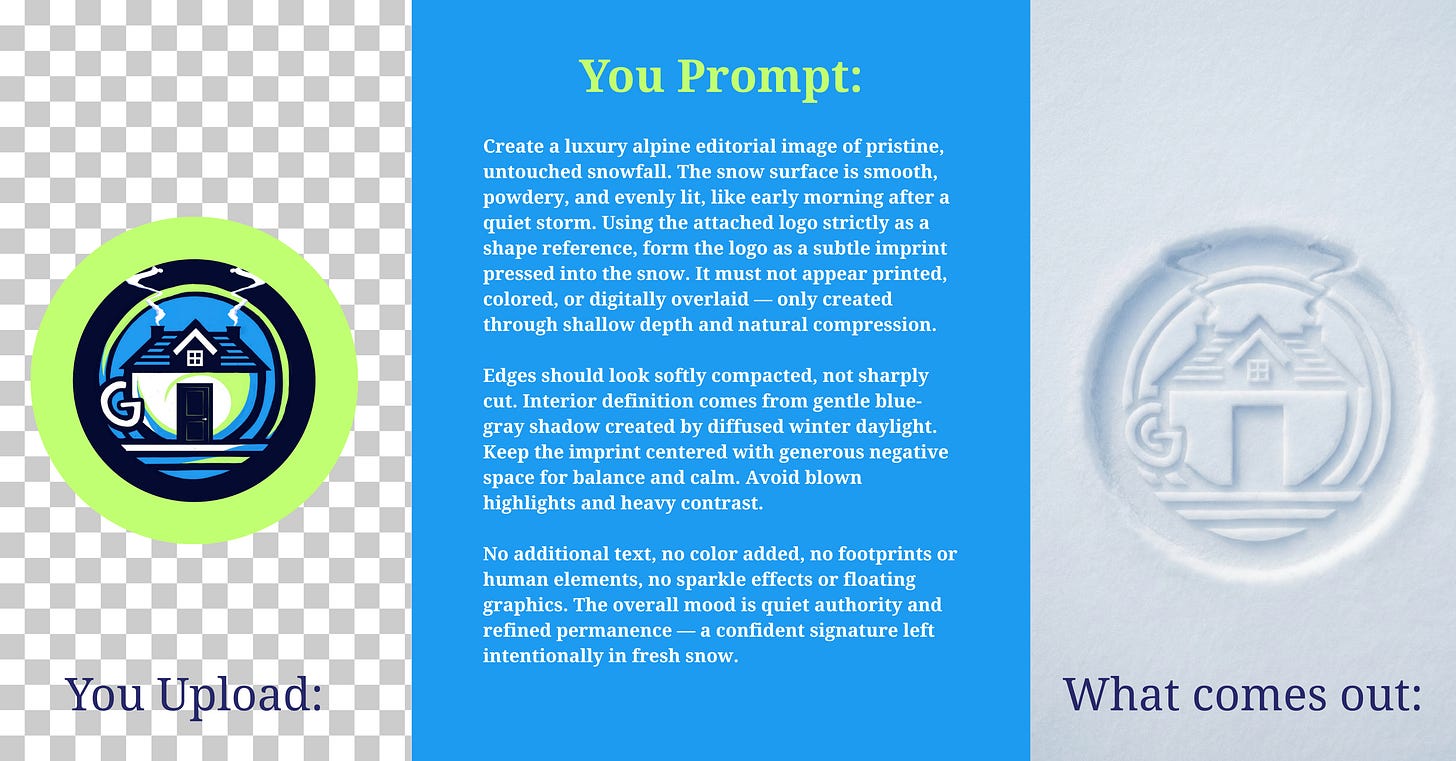
Example #3: LOGO IN SNOW
You upload:
Your logo (PNG, clean background).
You prompt:
You press generate.
What comes out:
A still image.
Your logo looks physically embedded in snow.
The compression looks real.
Shadows fall inside the imprint.
The light hits the snow crystals.
It feels like a luxury ski campaign.
Why It’s Different
Each of these is like a different “game” you can play inside the Higgsfield arcade:
Some make videos.
Some edit videos.
Some make images.
Some polish quality.
Some add effects.
All of them run on credits you buy, so you can experiment and learn by doing rather than needing technical skills first.
If you’re ready to go deeper: from setting up your account to building your first prompt from scratch….
👉 Check out the full breakdown in the newsletter: HIGGSFIELD AI
It walks you through:
How to set up your account
How to structure your first prompt
What to test in your first 10 minutes
Let’s chat again soon….
Gibz
My mission is to
Help you create and earn on your terms.
No spam, unsubscribe anytime.