Whiteout Prompt

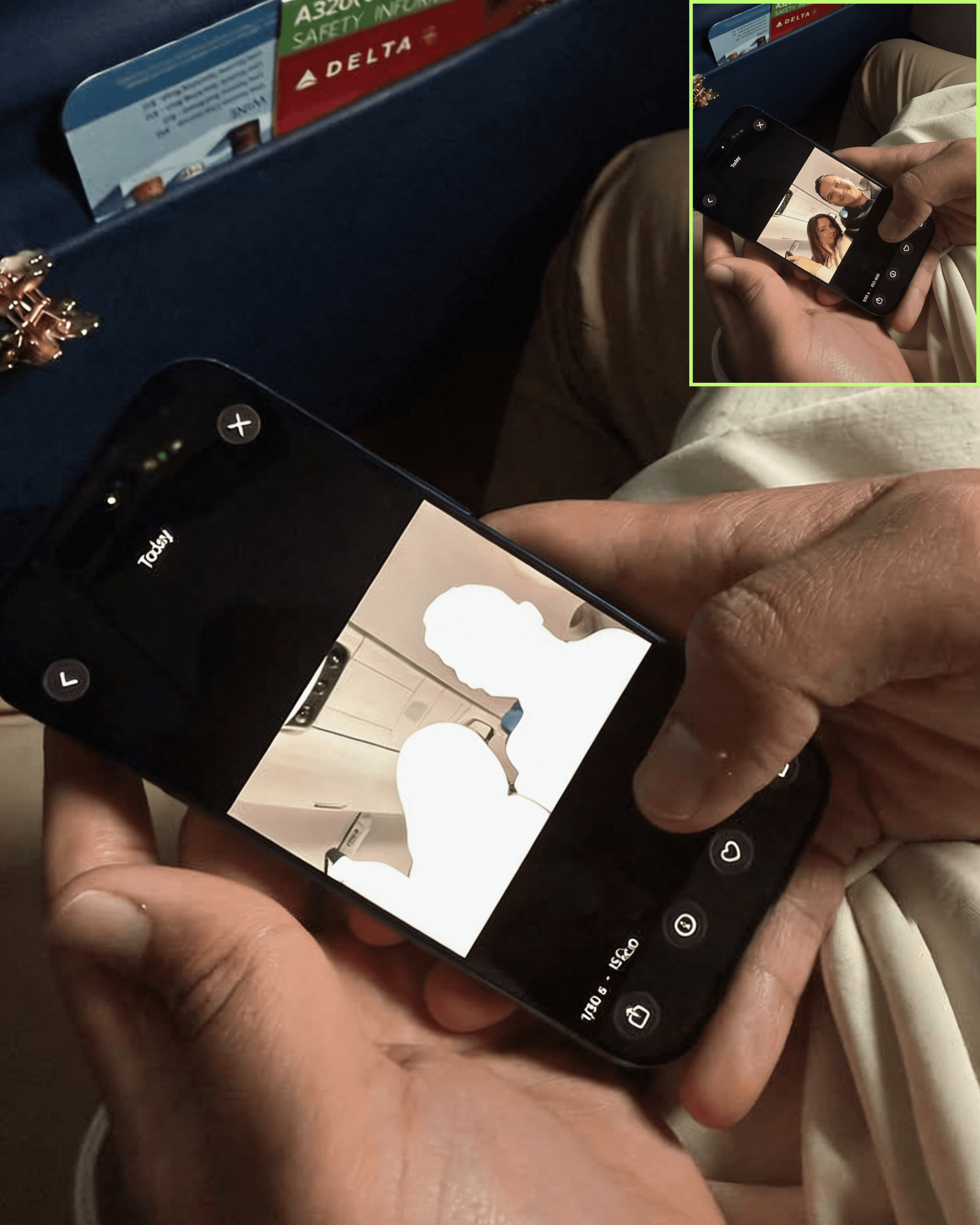
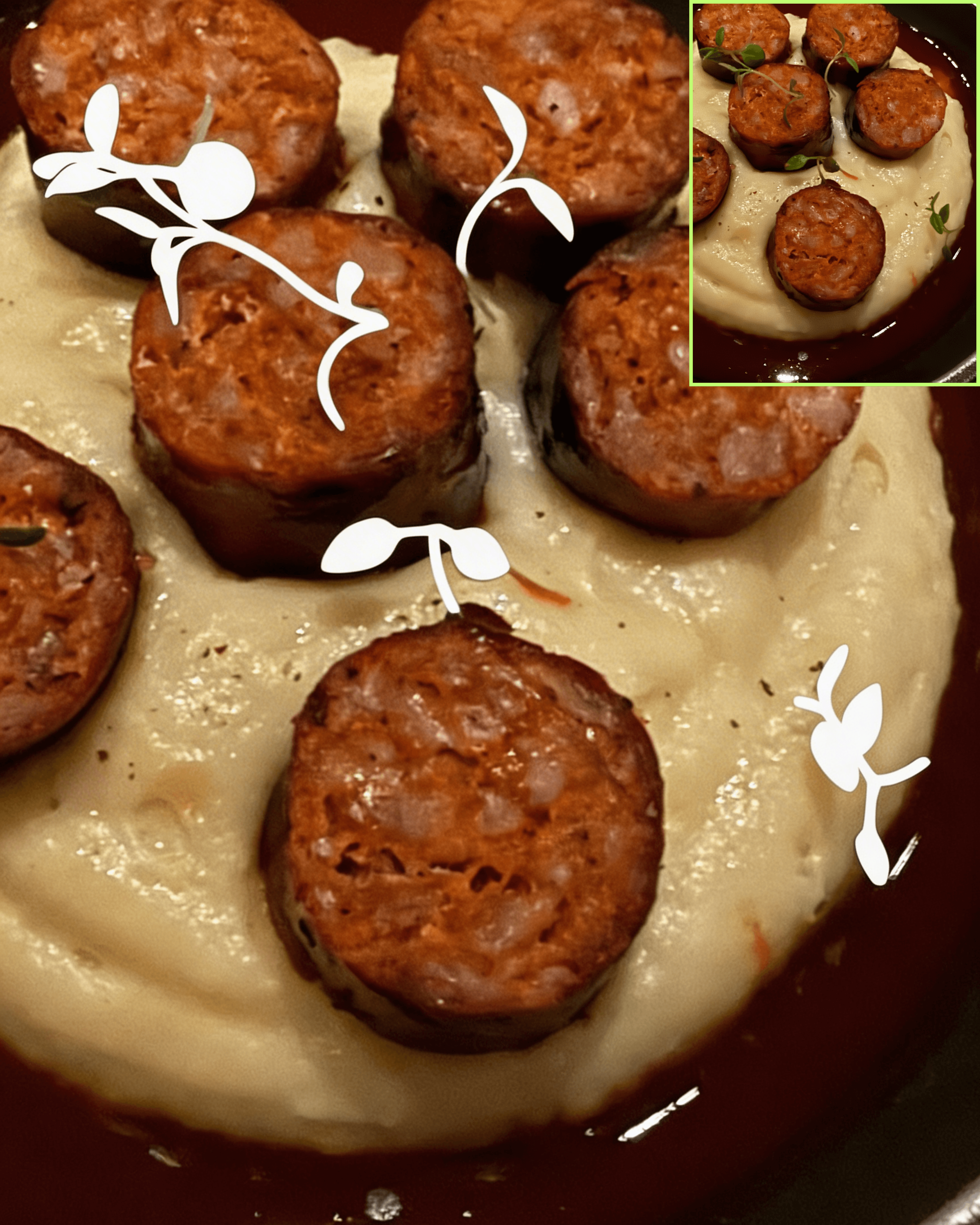
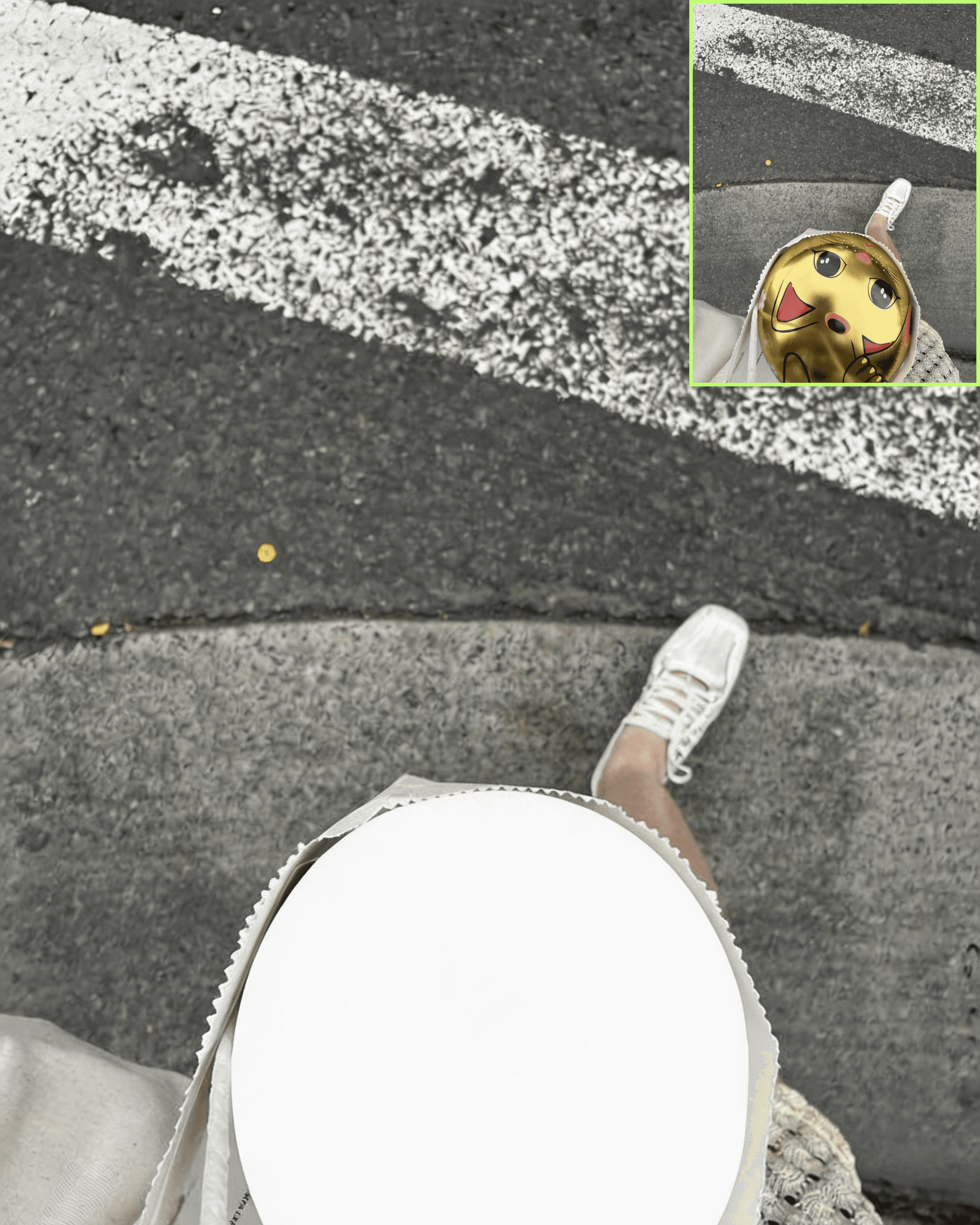
After

Before
Whiteout Prompt
Treat the uploaded image as a locked reference photograph.
Do not change the subject, composition, lighting, or any part of the image outside of the specified target area.
🎯 TARGET SELECTION
The only area that should be transformed is: [INSERT TARGET AREA]
🧠 ISOLATION RULE (CRITICAL)
Precisely isolate ONLY the selected area.
Do not affect any surrounding regions.
Edges must be clean, accurate, and tightly aligned to the original shape.
✂️ TRANSFORMATION
Convert the selected area into a flat silhouette of itself:
• Preserve the exact original shape, proportions, and outline
• Remove all texture, color, shading, and internal detail
• Fill the entire shape with solid pure white (#FFFFFF)
🎨 EDGE QUALITY
Edges must be:
• crisp and clean
• not feathered
• not blurry
• not glowing
The silhouette should feel sharp and intentional.
🚫 DO NOT
• Do not expand or shrink the selected area
• Do not alter anything outside the selection
• Do not introduce transparency, gradients, or shadows
• Do not reinterpret the shape
The result should look like the original image, with the selected area cleanly replaced by a perfectly fitted white silhouette.
The whiteout prompt lets you target any part of your photo and strip it down to a perfect white silhouette.
Change one word in the prompt → get a new version.
Hair. Outfit. Background. Whole body.
Simple input. Endless variations.
Stack those outputs together → you have everything you need to create the blinking video trend.
My mission is to
Help you create and earn on your terms.
No spam, unsubscribe anytime.