How to Set Up Amazon Storefronts


Be the first to know about every new letter.
No spam, unsubscribe anytime.
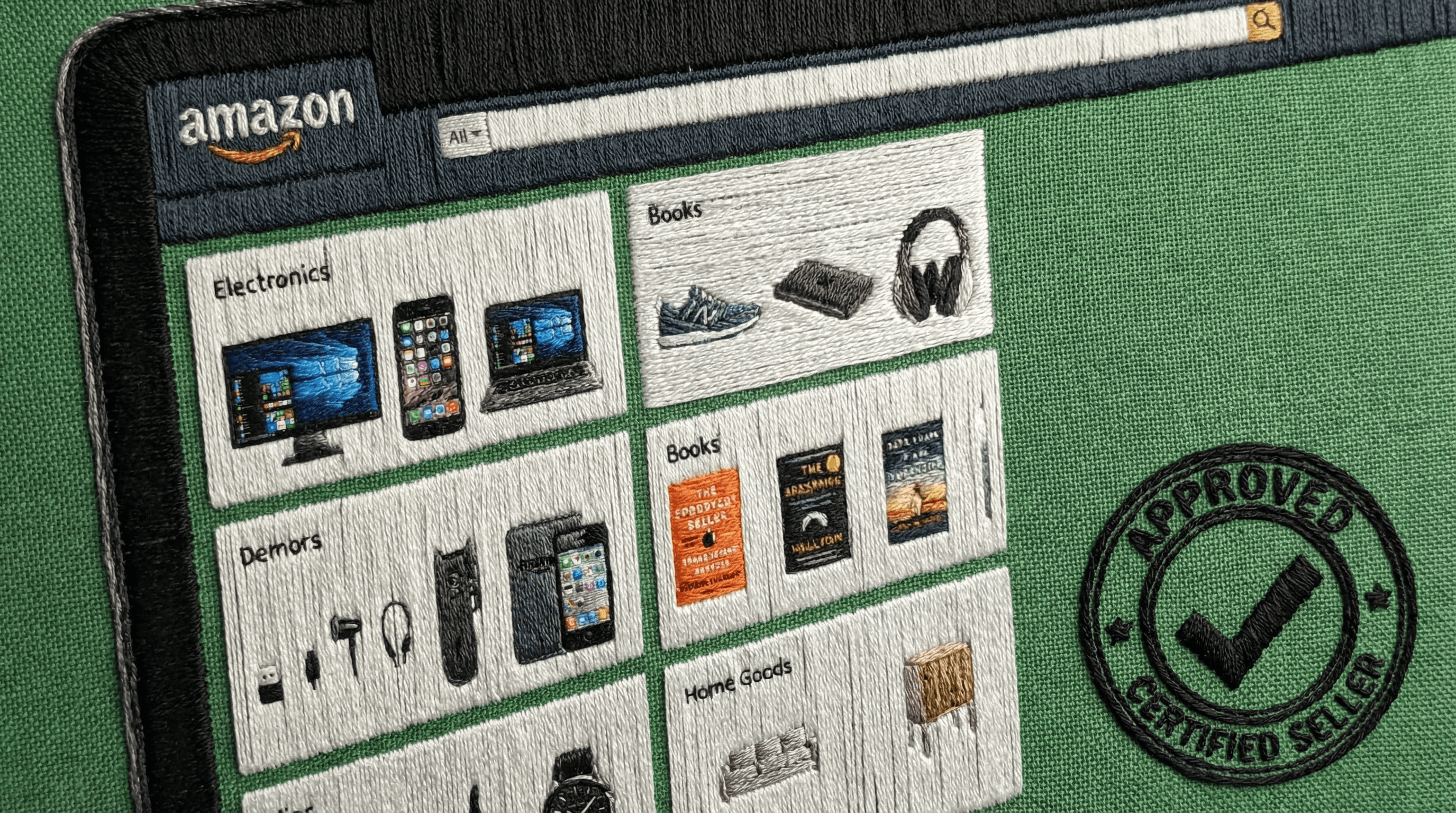
Real estate isn't just about homes—it’s about lifestyle. When you curate a collection of must-haves—from coffee table books and doormats to staging supplies and home gadgets—you’re positioning yourself as a trusted tastemaker. Plus, every item you recommend can earn you passive commission. It’s a win-win: for your clients, your content strategy, and your bottom line.
Check out my Amazon Storefront
Step 1: Create an Amazon Associate Account
Why you need it: Before you can earn commission, you need to be part of Amazon’s affiliate program. This is your gateway to turning everyday product mentions into paychecks.
✅ Go to affiliate-program.amazon.com
✅ Click Sign up
✅ Log in with your existing Amazon account (or create one)
✅ Fill in your account info, including your preferred website or social media channel
✅ Wait for approval (you can start building right away, but full access comes after 3 qualified sales in 180 days)
Step 2: Set Up Your Storefront
Why it works: This becomes your digital storefront. Think: a personal landing page of curated items you love, use, and trust.
✅ Once logged into your Affiliate Dashboard, click “Storefronts” in the top navigation
✅ Click “Create Storefront”
✅ Add a name (e.g., “Your Name’s Real Estate Picks”)
✅ Upload a professional profile photo and a banner (use Canva or your brand kit!)
✅ Add a bio that reflects your niche (e.g., “Staging, Hosting, and Gifting ideas for homeowners and real estate pros”)
Step 3: Add Idea Lists or Product Categories
Why it matters: Your job isn’t to sell—it’s to serve and sort. Break it down for people so it’s easy to shop.
✅ Create lists like:
“Client Closing Gifts Under $50”
“Homeowner Must-Haves”
“Everything I Used to Stage That Listing”
“Reel Creation Gear”
✅ Use the Amazon search bar to add items into each list
Step 4: Share Your Storefront Link Everywhere
Why this works: We’re not just posting—we’re positioning. Your link becomes your CTA in real life and online.
✅ Copy your custom Storefront link from the dashboard
✅ Add it to:
Your Instagram Link in Bio
Your email signature
QR code at open houses
Your website or digital business card
✅ Include call-to-actions like:
“Browse my Homeowner Picks”
“Everything I used for staging this home—right here”
“Gift ideas my clients love”
Step 5: Track Earnings + Optimize
Why this keeps growing: You’re not a one-hit wonder. You’re a brand. The data will show you what works.
✅ Go to “Reports” in your affiliate dashboard
✅ Review which links/products are getting clicks
✅ Swap out slow-sellers and test new items (especially if they’re trending!)
✅ Refresh your storefront banner with seasons (Fall staging? Holiday gifts?)
Bonus: Content Ideas for Promotion
🎥 Reel: “What’s in my Open House Bag (and where to buy it)”
📸 Carousel: “Client Gift Guide That’s Actually Useful”
🎙️ Stories: “Every item I used in today’s staging setup is in my storefront”
📝 Newsletter: “My Top Amazon Finds for New Homeowners”
Final Words:
Real estate builds equity—and so should your content. Your Amazon Storefront is a digital asset that pays you while you sleep and positions you as a lifestyle authority, not just a transaction chaser. Start small, stay consistent, and let your taste become your signature.
Would you like help designing a cover photo or category layout for your storefront next?
Let’s chat again soon…
Gibz
Real estate isn't just about homes—it’s about lifestyle. When you curate a collection of must-haves—from coffee table books and doormats to staging supplies and home gadgets—you’re positioning yourself as a trusted tastemaker. Plus, every item you recommend can earn you passive commission. It’s a win-win: for your clients, your content strategy, and your bottom line.
Check out my Amazon Storefront
Step 1: Create an Amazon Associate Account
Why you need it: Before you can earn commission, you need to be part of Amazon’s affiliate program. This is your gateway to turning everyday product mentions into paychecks.
✅ Go to affiliate-program.amazon.com
✅ Click Sign up
✅ Log in with your existing Amazon account (or create one)
✅ Fill in your account info, including your preferred website or social media channel
✅ Wait for approval (you can start building right away, but full access comes after 3 qualified sales in 180 days)
Step 2: Set Up Your Storefront
Why it works: This becomes your digital storefront. Think: a personal landing page of curated items you love, use, and trust.
✅ Once logged into your Affiliate Dashboard, click “Storefronts” in the top navigation
✅ Click “Create Storefront”
✅ Add a name (e.g., “Your Name’s Real Estate Picks”)
✅ Upload a professional profile photo and a banner (use Canva or your brand kit!)
✅ Add a bio that reflects your niche (e.g., “Staging, Hosting, and Gifting ideas for homeowners and real estate pros”)
Step 3: Add Idea Lists or Product Categories
Why it matters: Your job isn’t to sell—it’s to serve and sort. Break it down for people so it’s easy to shop.
✅ Create lists like:
“Client Closing Gifts Under $50”
“Homeowner Must-Haves”
“Everything I Used to Stage That Listing”
“Reel Creation Gear”
✅ Use the Amazon search bar to add items into each list
Step 4: Share Your Storefront Link Everywhere
Why this works: We’re not just posting—we’re positioning. Your link becomes your CTA in real life and online.
✅ Copy your custom Storefront link from the dashboard
✅ Add it to:
Your Instagram Link in Bio
Your email signature
QR code at open houses
Your website or digital business card
✅ Include call-to-actions like:
“Browse my Homeowner Picks”
“Everything I used for staging this home—right here”
“Gift ideas my clients love”
Step 5: Track Earnings + Optimize
Why this keeps growing: You’re not a one-hit wonder. You’re a brand. The data will show you what works.
✅ Go to “Reports” in your affiliate dashboard
✅ Review which links/products are getting clicks
✅ Swap out slow-sellers and test new items (especially if they’re trending!)
✅ Refresh your storefront banner with seasons (Fall staging? Holiday gifts?)
Bonus: Content Ideas for Promotion
🎥 Reel: “What’s in my Open House Bag (and where to buy it)”
📸 Carousel: “Client Gift Guide That’s Actually Useful”
🎙️ Stories: “Every item I used in today’s staging setup is in my storefront”
📝 Newsletter: “My Top Amazon Finds for New Homeowners”
Final Words:
Real estate builds equity—and so should your content. Your Amazon Storefront is a digital asset that pays you while you sleep and positions you as a lifestyle authority, not just a transaction chaser. Start small, stay consistent, and let your taste become your signature.
Would you like help designing a cover photo or category layout for your storefront next?
Let’s chat again soon…
Gibz
Real estate isn't just about homes—it’s about lifestyle. When you curate a collection of must-haves—from coffee table books and doormats to staging supplies and home gadgets—you’re positioning yourself as a trusted tastemaker. Plus, every item you recommend can earn you passive commission. It’s a win-win: for your clients, your content strategy, and your bottom line.
Check out my Amazon Storefront
Step 1: Create an Amazon Associate Account
Why you need it: Before you can earn commission, you need to be part of Amazon’s affiliate program. This is your gateway to turning everyday product mentions into paychecks.
✅ Go to affiliate-program.amazon.com
✅ Click Sign up
✅ Log in with your existing Amazon account (or create one)
✅ Fill in your account info, including your preferred website or social media channel
✅ Wait for approval (you can start building right away, but full access comes after 3 qualified sales in 180 days)
Step 2: Set Up Your Storefront
Why it works: This becomes your digital storefront. Think: a personal landing page of curated items you love, use, and trust.
✅ Once logged into your Affiliate Dashboard, click “Storefronts” in the top navigation
✅ Click “Create Storefront”
✅ Add a name (e.g., “Your Name’s Real Estate Picks”)
✅ Upload a professional profile photo and a banner (use Canva or your brand kit!)
✅ Add a bio that reflects your niche (e.g., “Staging, Hosting, and Gifting ideas for homeowners and real estate pros”)
Step 3: Add Idea Lists or Product Categories
Why it matters: Your job isn’t to sell—it’s to serve and sort. Break it down for people so it’s easy to shop.
✅ Create lists like:
“Client Closing Gifts Under $50”
“Homeowner Must-Haves”
“Everything I Used to Stage That Listing”
“Reel Creation Gear”
✅ Use the Amazon search bar to add items into each list
Step 4: Share Your Storefront Link Everywhere
Why this works: We’re not just posting—we’re positioning. Your link becomes your CTA in real life and online.
✅ Copy your custom Storefront link from the dashboard
✅ Add it to:
Your Instagram Link in Bio
Your email signature
QR code at open houses
Your website or digital business card
✅ Include call-to-actions like:
“Browse my Homeowner Picks”
“Everything I used for staging this home—right here”
“Gift ideas my clients love”
Step 5: Track Earnings + Optimize
Why this keeps growing: You’re not a one-hit wonder. You’re a brand. The data will show you what works.
✅ Go to “Reports” in your affiliate dashboard
✅ Review which links/products are getting clicks
✅ Swap out slow-sellers and test new items (especially if they’re trending!)
✅ Refresh your storefront banner with seasons (Fall staging? Holiday gifts?)
Bonus: Content Ideas for Promotion
🎥 Reel: “What’s in my Open House Bag (and where to buy it)”
📸 Carousel: “Client Gift Guide That’s Actually Useful”
🎙️ Stories: “Every item I used in today’s staging setup is in my storefront”
📝 Newsletter: “My Top Amazon Finds for New Homeowners”
Final Words:
Real estate builds equity—and so should your content. Your Amazon Storefront is a digital asset that pays you while you sleep and positions you as a lifestyle authority, not just a transaction chaser. Start small, stay consistent, and let your taste become your signature.
Would you like help designing a cover photo or category layout for your storefront next?
Let’s chat again soon…
Gibz
My mission is to
Help you create and earn on your terms.
No spam, unsubscribe anytime.
My mission is to
Help you create and earn on your terms.
No spam, unsubscribe anytime.
My mission is to
Help you create and earn on your terms.
No spam, unsubscribe anytime.